

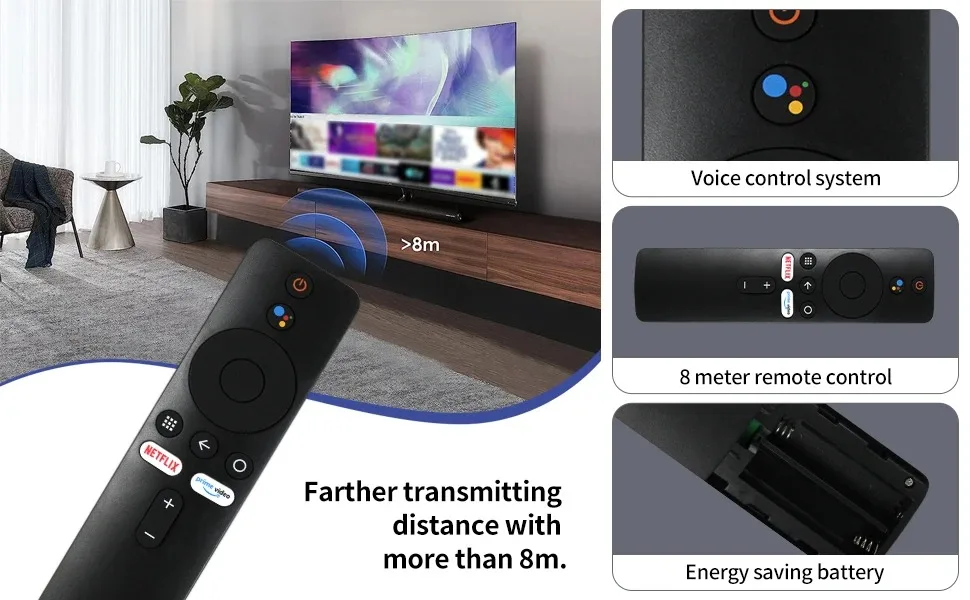
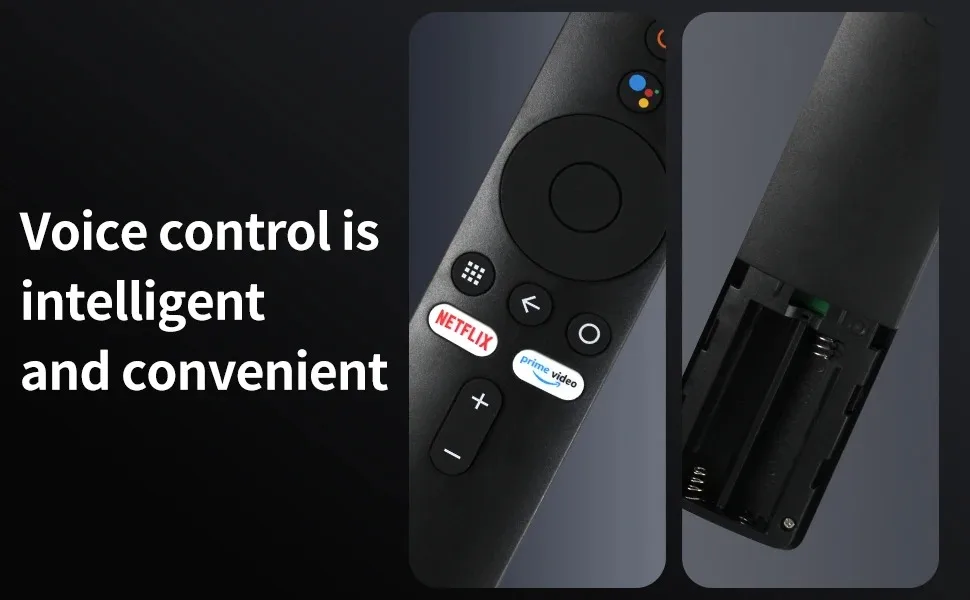
MRSVI Bluetooth Voice Remote Control XMRM-006 With Google Assistant For Xiaomi MI Box S MI TV Stick 4K Smart TV 4X Android


MRSVI Bluetooth Voice Remote Control XMRM-006 With Google Assistant For Xiaomi MI Box S MI TV Stick 4K Smart TV 4X Android
Free Standard Shipping Over 59.00 USD+ +
Free shipping on all items in your cart of US$59 and above! At BeautyFashion, we work diligently to deliver your orders to you as quickly and securely as possible. Once your order is delivered to the courier, your tracking number will be automatically sent to your email address. With this information, you can easily track the status of your shipment in real time via the "Order Tracking" page on our website. While you enjoy the excitement of your order, we deliver it safely to you. Free shipping on all items in your cart of US$59 and above! At BeautyTrend, we work diligently to deliver your orders to you as quickly and securely as possible. After your order is delivered to the courier, your tracking number will be automatically sent to your email address. With this information, you can easily track the status of your shipment in real time via the "Order Tracking" page on our website. While you enjoy the excitement of your order, we deliver it safely to you.
Easy Returns within 30 days +
-Items in the following categories cannot be exchanged or returned: Bikinis, swimsuits, lingerie, tights, hosiery, and accessories (excluding belts and bags), evening gowns, dresses, and corsets (our evening gowns are custom-made and therefore cannot be returned). We take the health and safety of our customers seriously, and intimate items cannot be resold after being opened or used.
🎁 Special End-of-Season Multi-Buy DISCOUNT!
- Extra 10% OFF on orders over 200 USD
- Extra 15% OFF on orders over 400 USD
- Extra 20% OFF on orders over 600 USD
Attention:
If you can't add a new remote control, please clear the old remote control record of the TV box, and then let the TV box search for the new remote control to pair and add it.
Feature
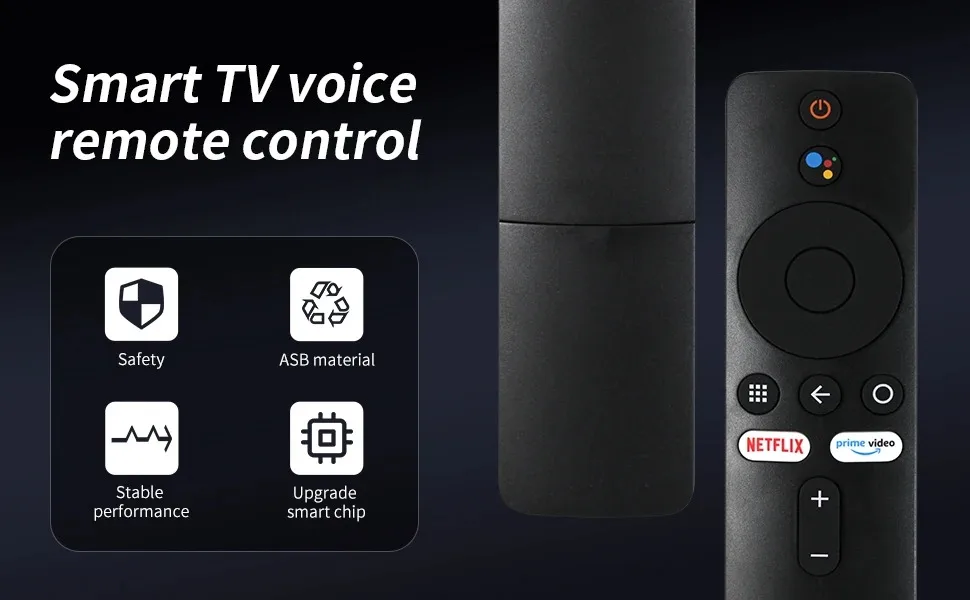
Model: XMRM-006
Brand: MRSVI
Material:ABSMaterial
Quantity: remote control x 1,batteries are not included.
Fit For
XIAOMI MI TV STICK
XIAOMI MI BOX S
How to use
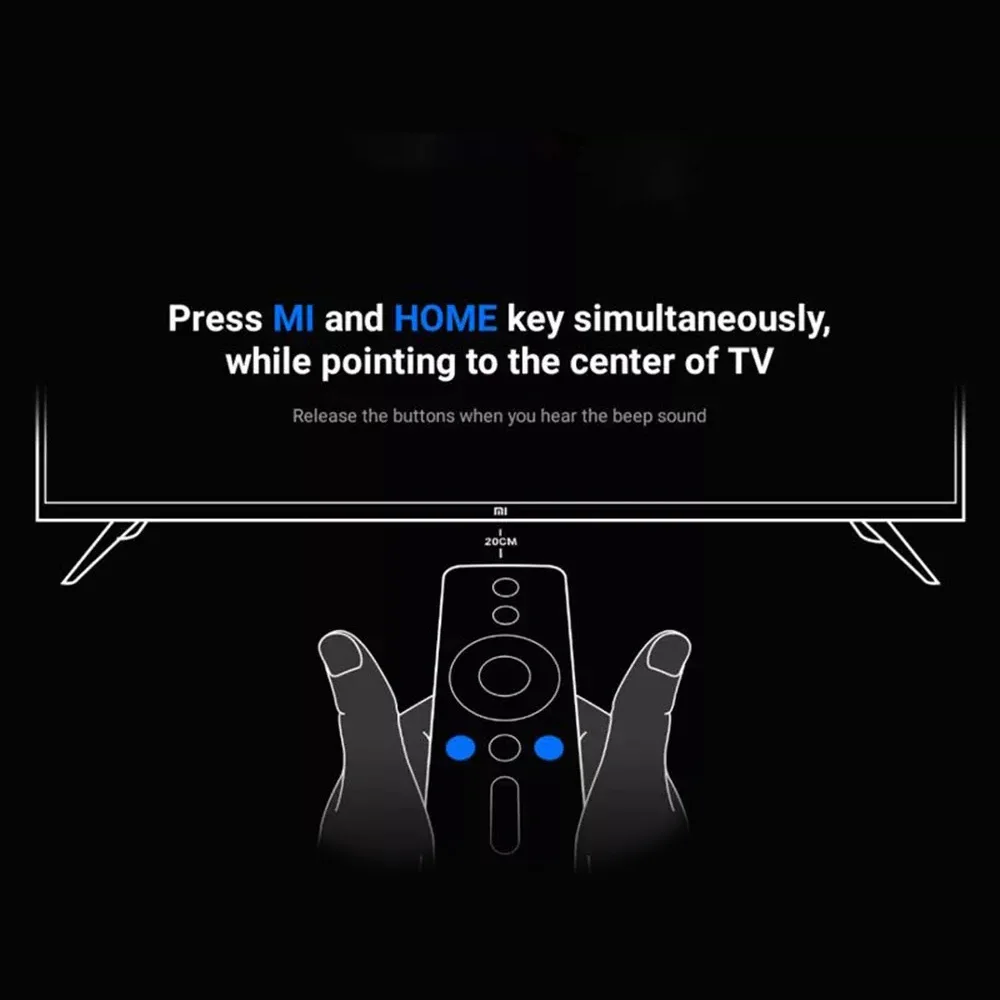
1.Restart the device by unpluggingit fromthe network for 1 minute.
2.Turn on the device and wait for the mainmenu to load.
3.Press and hold the selected butfons afthe same time until the interface forconnecting the new remote controlappears on the screen.
4.Connect the remote control following theon-screen instructions.
(Attention! Keep the remote control nomore than 20 cm away from the device.)
Package Contents
1 * Remote Control
Contact Form
Fill out the form below and our team will get back to you within 24 hours.
Working Hours
- Monday - Saturday: 10:00 AM - 6:00 PM
- Sunday: Closed
Contact Information
WhatsApp: 📱 Contact us at +1 (585) 282-6773
E-mail: info@beautytrendshop.com